Generated on this site · zombie embrace → warm memory · Audio sample
A SPOOKY-CUTE LOVE STORY
Zombie Couple Photo to Video Generator
Choose two portraits or one shared couple photo for an intended AI sequence: cold reunion, embrace, then a same-pose cut to a warm memory with both people healthy humans.
Generated on this site · zombie embrace → warm memory · Audio sample
Sample inputs
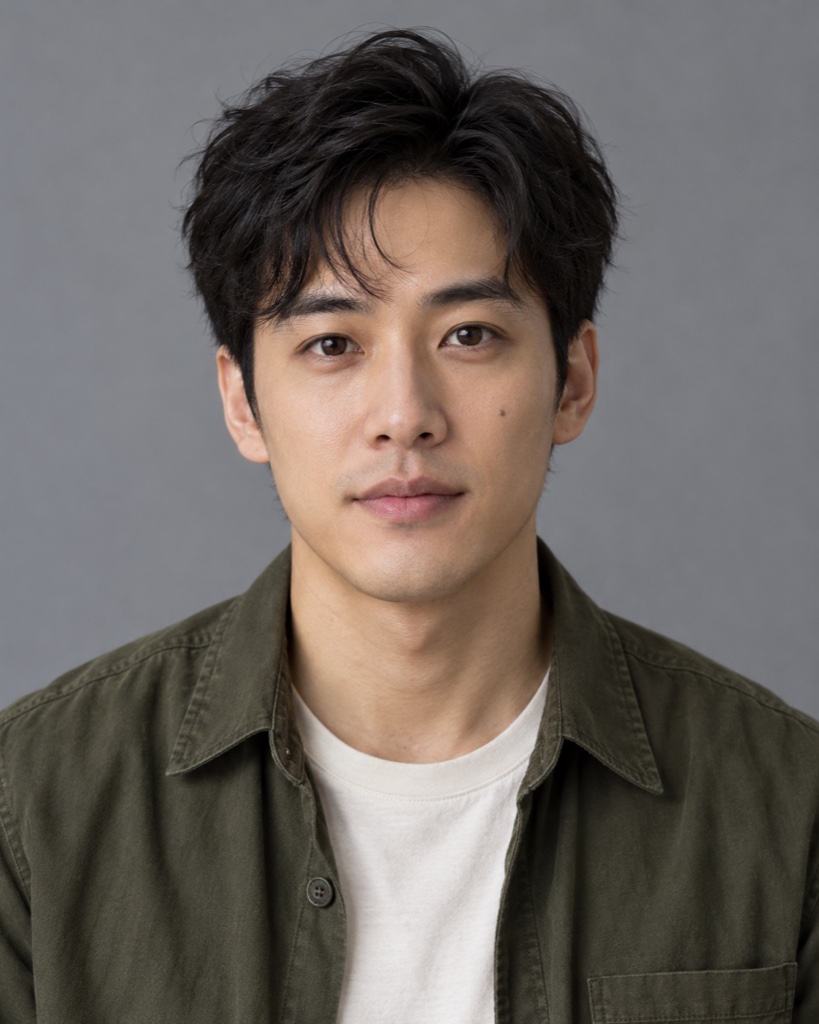
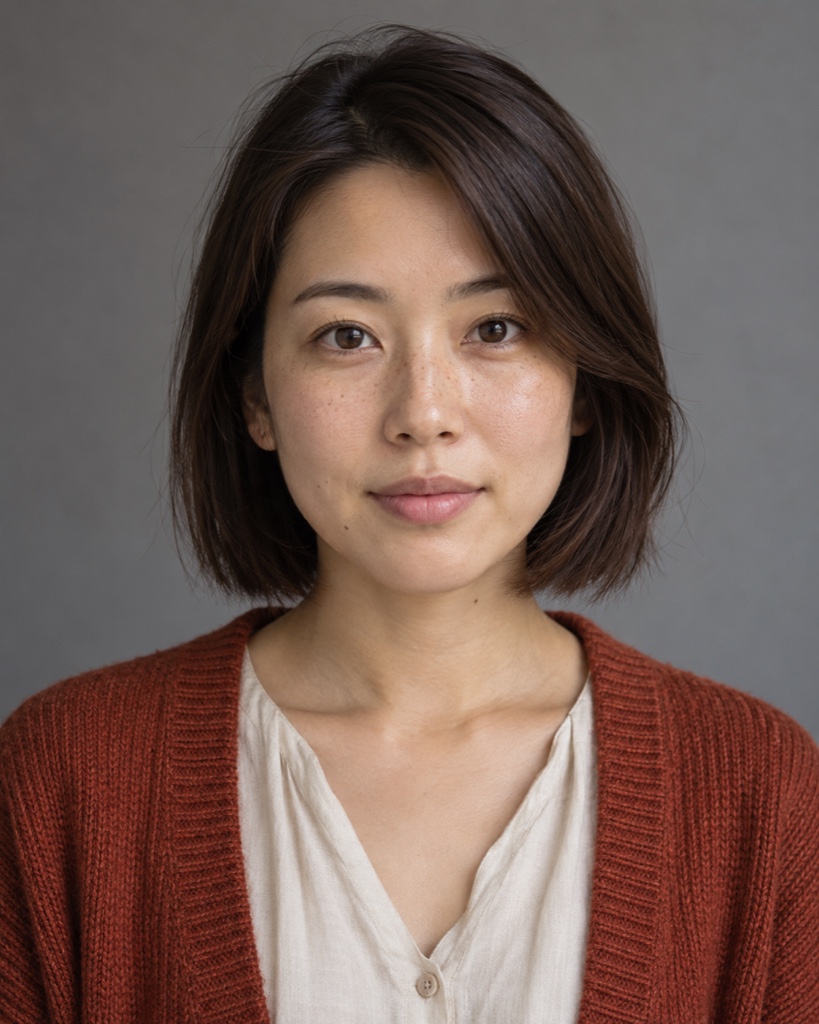
View sample setup
Use an uncluttered location, cool present light and warm memory light; preserve the ordered reunion, embrace, matching-action cut and healthy-human ending. Keep both distinct adults visible. No added ending beat, dialogue, lyrics, singing or screams.
Sign in to view trial eligibility and the live credit estimate before submitting. Eligible trial videos carry a small domain watermark.
Make my videoRelated templates
Love story
Use two portraits or one shared couple photo to guide a reunion, embrace and same-pose cut to a warm pre-infection memory where both are healthy humans. AI timing can vary.
Halloween
A seasonal zombie couple scene with pumpkins, falling leaves and a green moon. Upload two portraits or one couple photo, or switch to text only.
Generated on this site
Pick a mood. Take the lead.
The couple-photo sample was generated on this site from two fictional adult portraits: a cold zombie embrace transitions to a warm memory with both people healthy. Love Story retains a legacy style example that does not show the full transition; Halloween keeps its separate seasonal example. AI timing and editing can vary.
Generated on this site · zombie embrace → warm memory · Audio sample
Love story
Generated on this site · Audio sample
Halloween
What is a Zombie Couple video, and how does this generator interpret the trend?
A zombie couple AI video tells an original story about a survivor and a zombie partner. Both photo templates request a cold, dim reunion and affectionate embrace, followed by a distinct same-pose match cut to a warm sunlit memory before infection, where BOTH people are healthy living humans. Choose two portraits by default or one shared couple photo. Scene notes steer setting and clothes while keeping that order. Halloween is a separate seasonal scene with pumpkins, autumn leaves and a green moon. It accepts two portraits or one shared couple photo, and the same page can switch to text only. All new videos request original AI soundtrack and ambience without vocals or dialogue, and real generated videos must pass audio delivery checks. Checks do not screen for accidental speech. Mock previews do not represent real results. Sound and timing can vary. The couple-photo sample includes soundtrack and ambience; Love Story and Halloween samples remain silent. The new couple-photo sample shows the cold zombie embrace transitioning through a short dissolve to a warm memory with both healthy humans; Love Story retains a legacy style example without the full transition. AI timing, faces and continuity can vary.
Read the full story →Which portraits work best for the two photo modes?
Choose either two separate JPG, PNG or WebP portraits, each no larger than 2 MB, or switch to one shared couple photo. In dual mode, the first portrait is the Survivor and the second is the Zombie; you can replace, remove or swap them. In shared mode, the person on the left is the Survivor and the person on the right is the Zombie. Clear, well-lit faces help the model interpret the references, though identity consistency is best effort.
How does the fixed photo direction affect the result?
Dual mode sends A Survivor and B Zombie as same-scene subject references, never opening and closing frames. The story starts cold and dim, with only B showing non-graphic zombie styling, then brings them into an embrace. Around 60% of the selected duration, a distinct same-pose cut moves to a different warm sunlit field or home before infection. BOTH people should be healthy humans with natural skin and eyes throughout the final 40%. This is the intended AI sequence; identity, timing and the cut can vary in the generated result.
When should you write an optional scene note?
The scene field remains optional for this photo preset, and it is limited to 300 characters. Leave it empty when the fixed prompt already fits your idea. Add a brief note when one extra choice matters—for example, “old train platform at dusk, rain on the windows, a small paper lantern.” Avoid stacking many props, camera moves and conflicting moods in one sentence. A concise note can guide interpretation, but it cannot force every named detail to appear.
How can you write a useful photo-to-video prompt?
Describe compatible setting and clothes: “quiet station after rain, olive overshirt and rust cardigan; remembered sunlit kitchen with open windows.” The built-in story already supplies the cold reunion, embrace and same-pose cut into a warm human memory. Avoid asking for a different ending, a continuous zombie look or extra simultaneous actions. The scene field supplements the story rather than replacing it. Keep the note short enough to read easily within 300 characters, and treat named details as guidance, not promised objects in every render.
How should you iterate when a result misses one detail?
Review the whole clip before changing the prompt. Decide whether the issue is the setting, lighting or general movement, then edit only that part of the optional scene note. For instance, replace “night street” with “covered garden walkway” while leaving the mood phrase alone. Because each render can interpret instructions differently, changing one variable makes comparisons easier but does not guarantee a correction. You can also revisit supported model, duration and resolution options and check the live estimate again.
When is the photo tool a better fit than Love Story or Halloween?
Both the photo tool and Love Story now use the same memory-transition direction and the same two-portrait or shared-photo choices. Choose either entry point to guide the cold reunion, embrace and warm both-human ending, then check the selected model and live estimate. A nine-second minimum applies to both narrative templates. Halloween is a separate seasonal scene that accepts two portraits or one shared couple photo, with a text-only switch on the same page. The new couple-photo sample now shows the cold zombie embrace transitioning through a short dissolve to a warm memory with both healthy humans. Love Story retains a legacy style sample that does not demonstrate the full transition.
What should you expect from framing and identity?
The preset requests vertical framing with safe margins, but output framing depends on the selected model and settings. Uploaded portraits guide each character’s appearance as visual references; identity consistency is best effort and exact likeness is not promised. Preview the result where you plan to post it, especially if captions or interface overlays cover the edges.
How do upload, estimate and result handling work?
Select two JPG, PNG or WebP portraits, each up to 2 MB, or choose one shared couple photo. Add an optional scene note of up to 300 characters, then inspect the displayed model, duration, resolution and aspect ratio. The credit estimate updates with supported choices; review it before signing in and submitting. A successful task provides a video you can open and save as MP4. New videos request original AI soundtrack and ambience without vocals or dialogue; real generated videos must pass audio delivery checks. Checks do not screen for accidental speech. Mock previews do not represent real results. Sound and timing can vary. This page’s couple-photo sample includes soundtrack and ambience. Love Story and Halloween retain silent samples; review any new result before sharing.
What happens to credits if you stop or a provider fails?
A provider-reported failure restores the reserved credits. If you cancel after submitting, the task remains charged; cancellation is different from a failed provider task. The restored amount is a credit balance, not a cash refund. Payment refunds are governed by the published refund policy. If the interface says a submission is still being reconciled, wait for that status to resolve before retrying the same generation.
How do I create a Zombie Couple video?
Choose a scene
Start with a preset and a photo or a few words.
Check the details
Review frame shape, duration and the credit estimate.
Keep your take
Play the result, open the video and find it in My Creations.
What can you make with the Zombie Couple templates?
Three distinct starting points
The photo and Love Story templates both guide a cold reunion, embrace and same-pose cut to a warm memory with both healthy humans, using two portraits or one shared photo. Halloween accepts two portraits or one shared couple photo, and can switch to text only, for a pumpkin-and-leaves scene.
Settings before the spotlight
Choose supported settings and see the credit estimate.
Your language, your frame
English and Chinese, with landscape and vertical options.
Before you step on stage
How do I turn my photo into a zombie couple video?
Choose two portraits (A Survivor, B Zombie) or one shared couple photo (left Survivor, right Zombie). Both photo templates request a cold reunion and embrace, then a same-pose cut to a warm memory with BOTH healthy humans. Scene notes only guide setting and clothes. Minimum duration is 9 seconds; review the live estimate before creating. AI results vary. The Halloween generator accepts two portraits or one shared couple photo, and the same page can switch to text only. The new couple-photo sample shows a cold zombie embrace transitioning through a short dissolve to a warm memory with both healthy humans. Love Story still uses a legacy style example without the full transition.
Can I use a photo of just one person?
You can use one portrait in either slot, though the template creates a two-person scene and the other character will be invented. To guide both characters, provide two portraits or use one shared couple photo. Visual consistency is best effort; exact likeness is not promised.
What happens to the photo I upload?
Your photos and videos are never shown on our public pages. Files are stored at private, unguessable links that are not listed anywhere; anyone you share a link with can open it. The public gallery only shows videos generated from our own example scenes. Use photos you own or have permission to use.
How much does it cost to make a zombie video?
For the current default example (Seedance 2.5, 9 seconds, 480p), the live estimate starts at 750 credits. Changing the model, duration or resolution changes the estimate. Treat this as an example only: the live estimate in the generator takes priority. Credit-pack prices and validity are listed on this page.
Do the downloaded videos have a watermark?
Videos you create with credits download as clean MP4 files with no watermark burned in, ready to post. If a free trial preview is offered at the time, its label is shown in the generator before you create.
Do I own the videos I create?
You are responsible for the photos and scenes you provide. Use images you own or have permission to use, and check each platform's rules before posting.
Are credits refunded if my video generation fails?
If the video provider reports a generation failure, the reserved credits are restored. If you submit a task and then cancel it yourself, the credits remain charged. A restored credit balance is not a cash refund; payment refunds follow the published refund policy.
Which Zombie Couple Video site is this?
This is zombiecouplevideo.pro, the .pro site. Its pages offer photo-inspired and scene-based templates for generating original stylized animations, with credit packs and a live estimate before creation. The full domain matters because similarly named sites may be separate services; check the .pro ending when you follow a link.
Pricing
Credits, clearly priced.
An account is required to create videos. Every video costs credits — the generator shows a live estimate before you create. Pre-generated example videos on each tool page and in the gallery are free to watch.
Video counts use the default meme video: Seedance 2.5, 9 seconds, 480p. Some tools use a different duration or resolution, so the generator's live estimate is the charge.
Checking availability…
Starter
$9.9- 1,500 credits, valid for 1 year
- About 2 videos (9s 480p default)
- ≈ $4.95/video
- Text-to-video and image-to-video
- Multiple AI video models
- Download completed videos
Pack validity: 365 days
Pro
$29.9- 6,000 credits, valid for 1 year
- About 8 videos (9s 480p default)
- ≈ $3.74/video
- Text-to-video and image-to-video
- Multiple AI video models
- Download completed videos
Pack validity: 365 days
Ultimate
$69.9- 15,000 credits, valid for 1 year
- About 20 videos (9s 480p default)
- ≈ $3.50/video
- Text-to-video and image-to-video
- Multiple AI video models
- Download completed videos
Pack validity: 365 days